

Symmetry
Remesh a chosen source sector and reflect it across object-local axes to create exactly mirrored geometry.
On this page
Choose axes and source sides
- Enable Symmetry.
Use the Symmetry box in the main WQuads panel.
- Select X, Y, or Z.
Axes are local to the object. Enable more than one axis to mirror across multiple planes.
- Choose the Source side.
For each enabled axis, toggle +X / −X, +Y / −Y, or +Z / −Z. The chosen sector supplies the geometry for the mirrored result.
The opposite sector is replaced by a mirrored copy. Disable Symmetry when you need to preserve different details on each side.
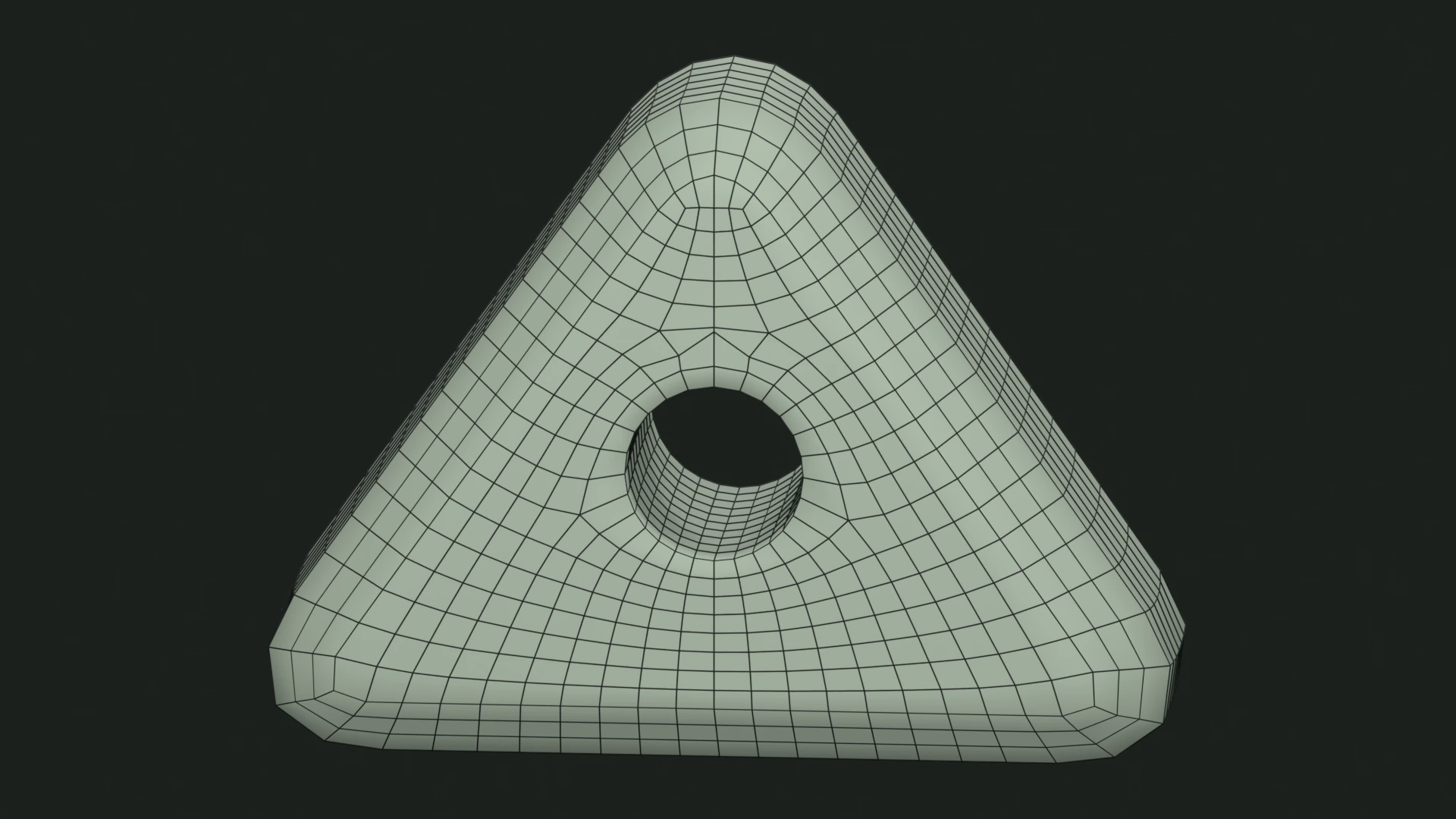
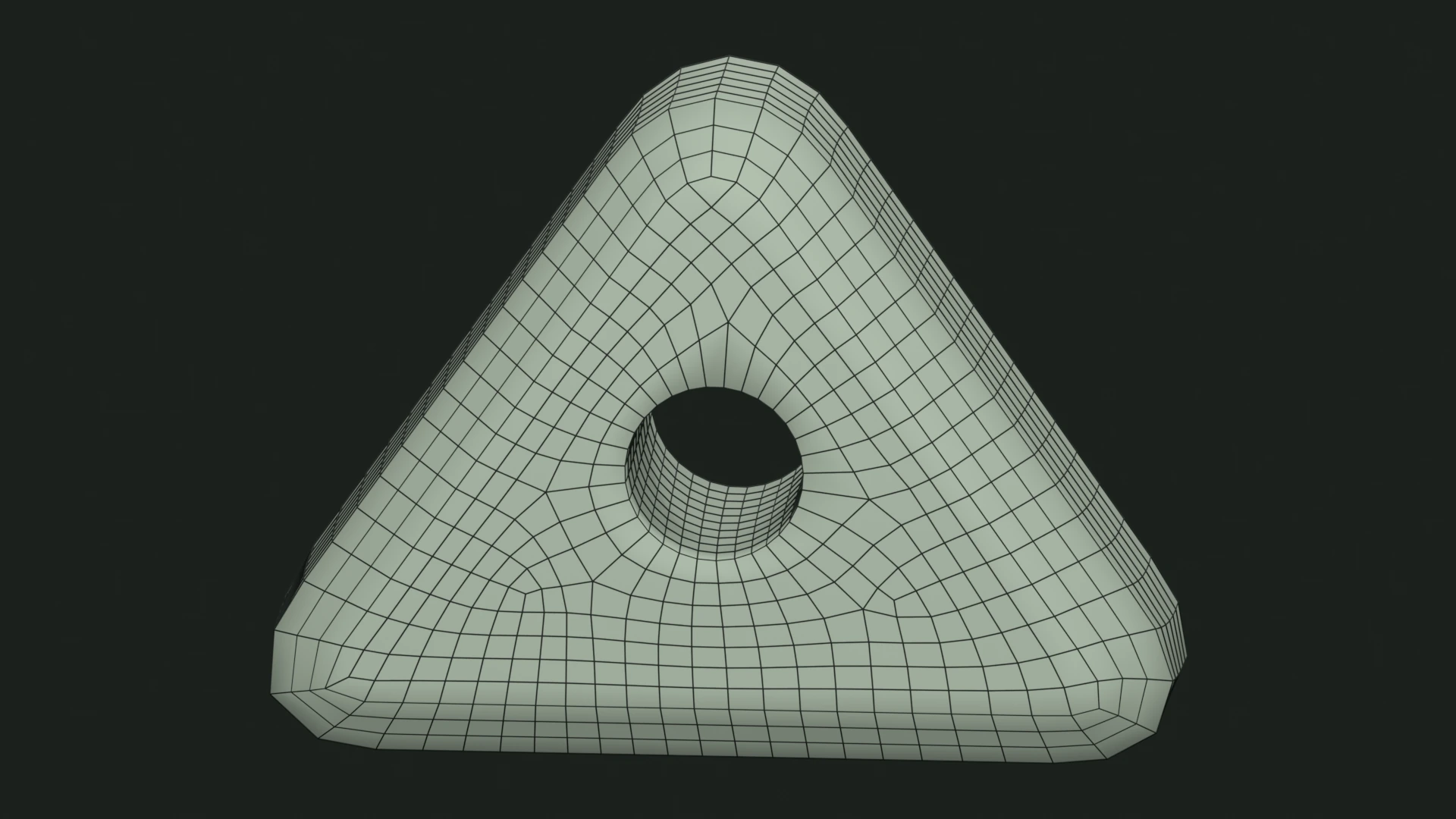
Choose the mirror center
- Bounding box
- Uses the center of the evaluated mesh bounds.
- Object origin
- Uses planes passing through the object's origin.
Check the object's local axes, selected source sides, and center if the result mirrors an unexpected region.
Guide and paint symmetry are separate
Mirror drawing mirrors guide paths around planes through the object origin. Symmetry paint mirrors brush strokes around the origin. Neither enables Exact Symmetry for the remesh.
If remesh symmetry uses the bounding-box center, its planes may differ from the planes used for drawing or painting.